How do I make a task a priority?
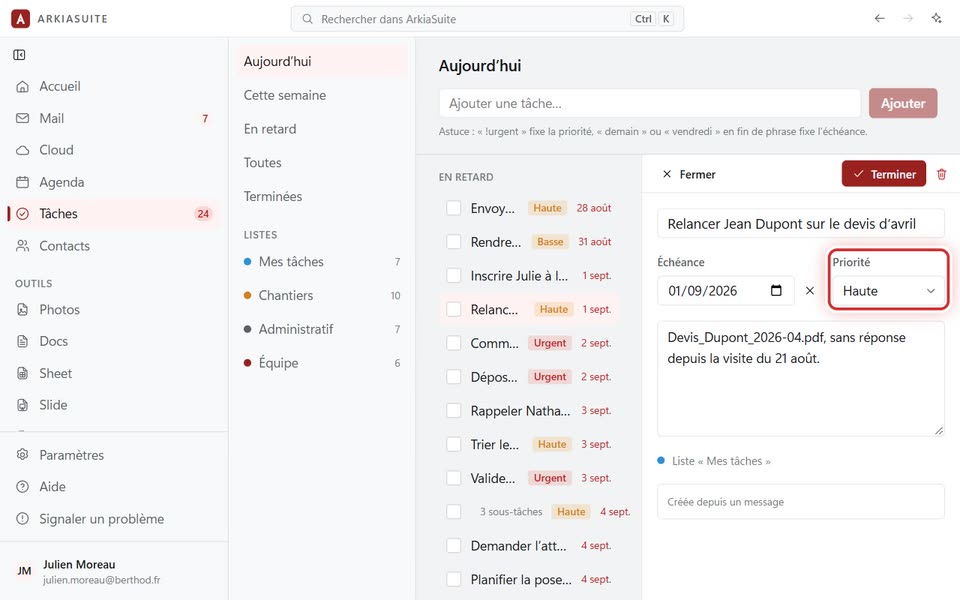
A priority makes a task stand out in the list, with a little colored label.
Step by step
In Tâches (Tasks), click the task’s name: its details open on the right.
In Priorité (Priority), choose Basse (Low), Normale (Normal), Haute (High) or Urgente (Urgent) (Aucune (None) to remove it).
It is saved right away: the label appears in the list.