How do I add someone who wrote to me to my contacts?
No need to copy the address: it’s taken straight from the message you received.
Step by step
In Mail, open the message from that person.
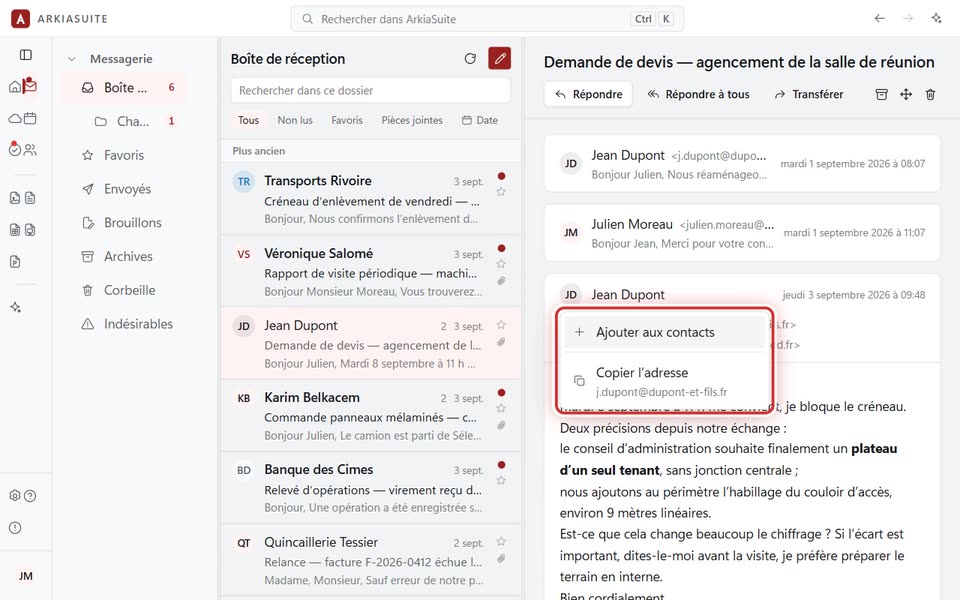
Click the round badge with their initials, to the left of their name.
Click Ajouter aux contacts (Add to contacts). The Nouveau contact (New contact) window opens, already filled in: complete it if needed, then click Ajouter (Add).
Good to know
- If the person is already in your address book, the same menu offers Voir la fiche de … (View … card). Copier l’adresse (Copy address) copies their e-mail address.