How do I create a photo album?
An album brings together photos you choose (a wedding, a building project, a vacation), without moving them.
Step by step
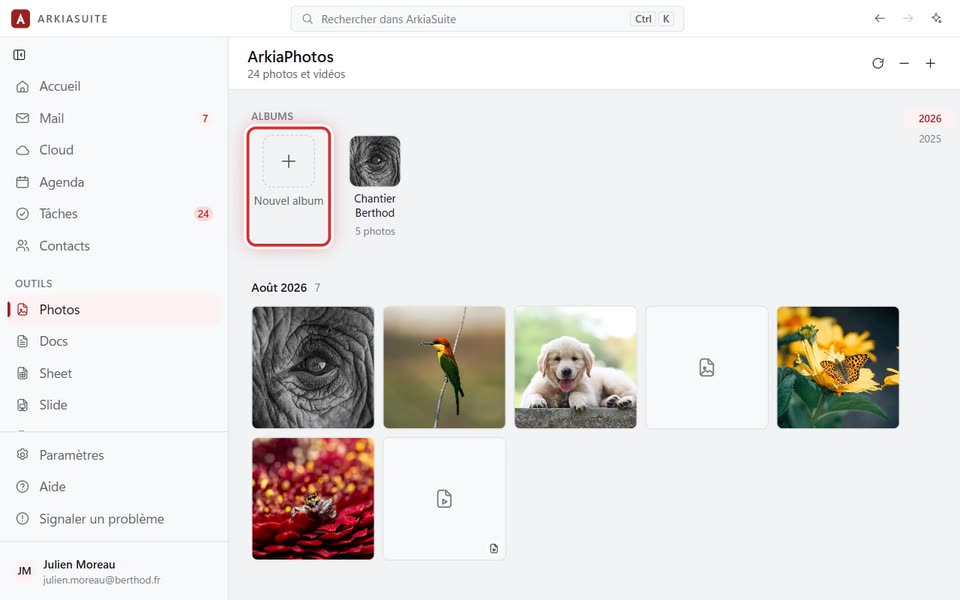
In Photos, in the Albums row, click Nouvel album (New album).
Type its name, then click Créer l’album (Create album).
To put a photo in it: right-click the photo, then Ajouter à un album… (Add to an album…), and choose the album.
For several photos at once: check them, then click Ajouter à un album (Add to an album), at the top.
Click the album, in the Albums row, to see only its photos.