How do I rename or delete an album?
An album can be renamed or deleted without touching the photos: they stay in your photos.
Step by step
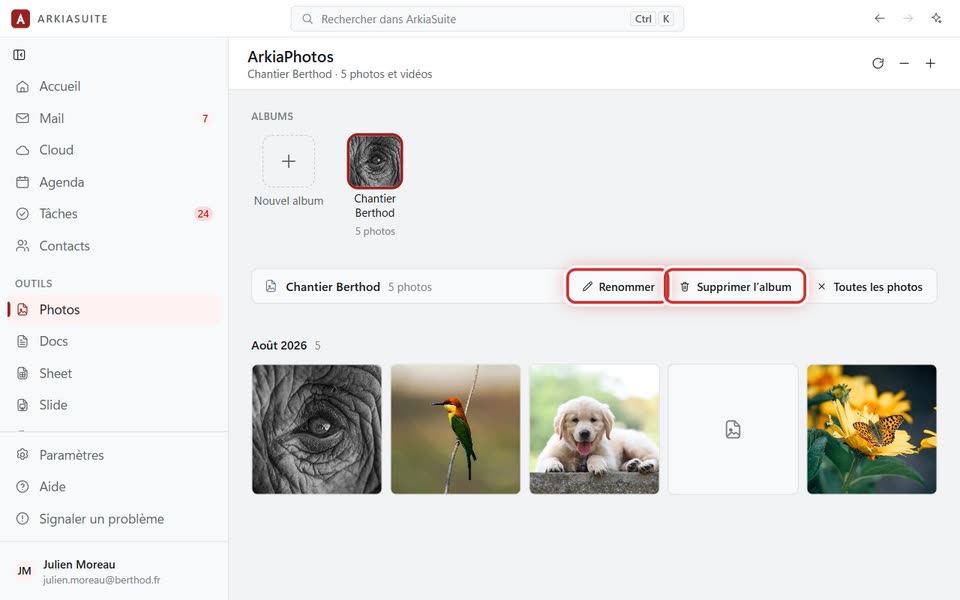
In Photos, click the album, in the Albums row.
At the top, click Renommer (Rename), type the new name and confirm.
Or click Supprimer l’album (Delete album), then confirm.
Good to know
- Deleting an album doesn’t delete any photos.