How do I move an appointment with the mouse?
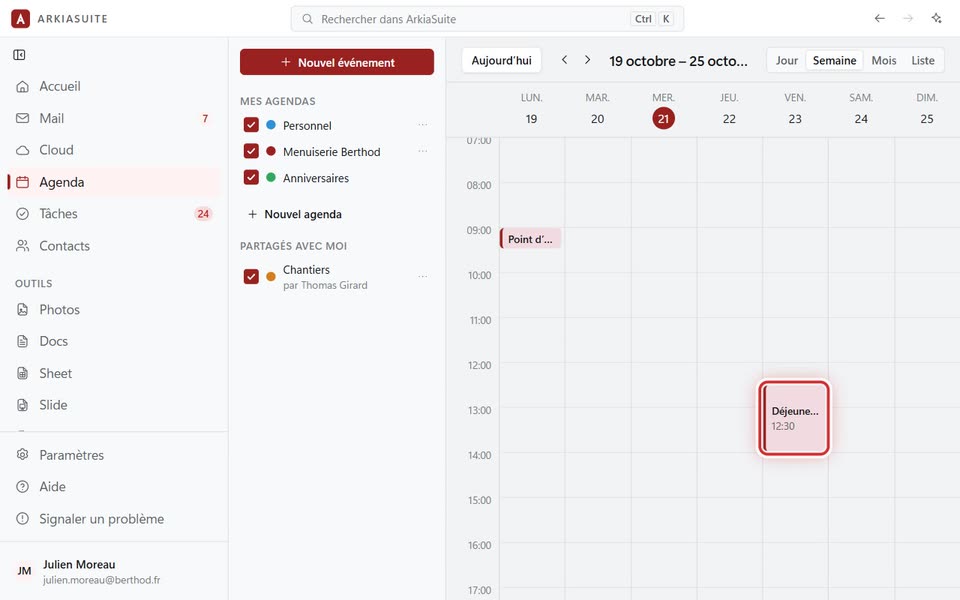
In the Jour (Day) and Semaine (Week) views, appointments can be moved and stretched with the mouse, like sticky notes.
Step by step
To move it: click the appointment, hold the button down and drag it to the new time or day, then let go.
To make it longer or shorter: grab its bottom edge and pull it down or up.
To create one: on an empty slot, click and drag from the start time to the end time. The Nouvel événement (New event) window opens with those times.
Good to know
- On a phone: a long press picks up an appointment; rest your finger on an empty slot for a moment, then drag to draw a time slot; swipe sideways to go to the next week.