How does ArkiaSuite update?
ArkiaSuite updates itself: you don’t have anything to download.
Step by step
When a new version is ready, a banner saying « ArkiaSuite … est disponible » (ArkiaSuite … is available) appears at the top of the window.
Click Installer (Install): ArkiaSuite downloads the new version, installs it and restarts. Plus tard (Later) puts the update off until another time.
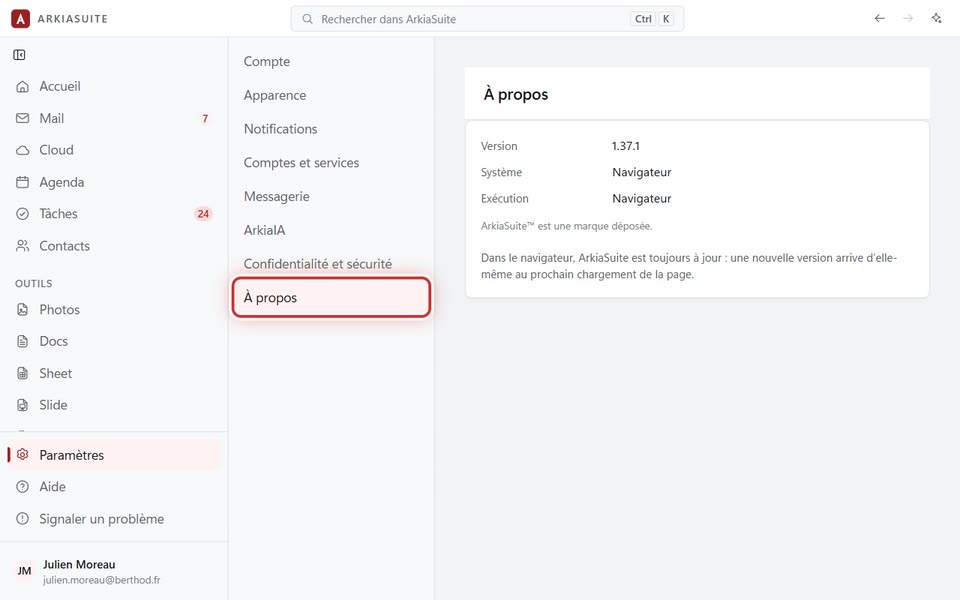
To see your version: Paramètres (Settings) → À propos (About).
Good to know
- On your phone, updates come through the Play Store, as for any app.
- In the web browser, you always have the latest version.