My storage space is full: what should I do?
When your space is full, new files and photos can no longer be sent. There are two fixes: clear things out, or get more space.
Step by step
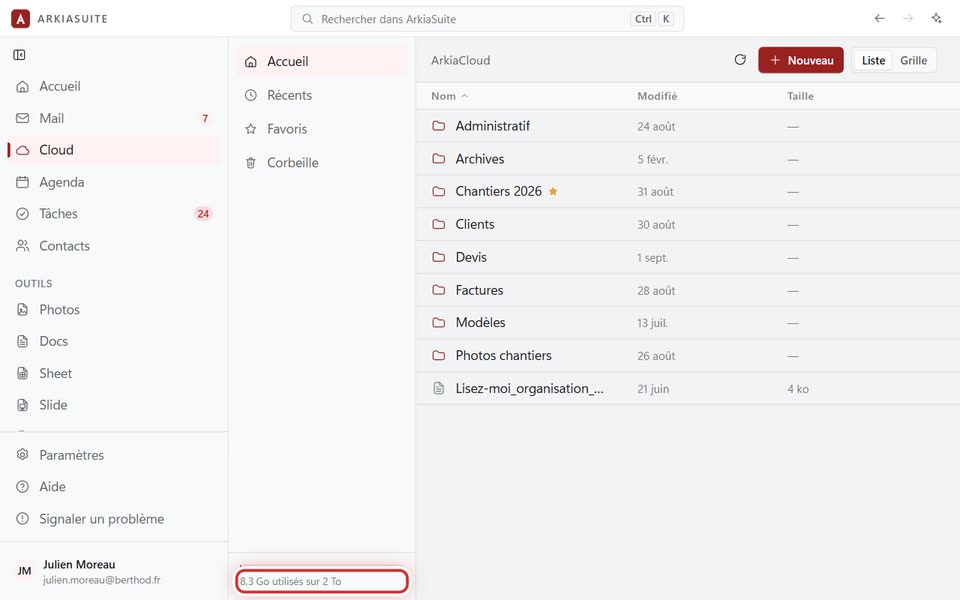
See what is being used: at the bottom of the left column of the Cloud.
Empty the Cloud’s Corbeille (Trash): deleted files still take up space there.
Sort out the biggest files: in list view, click Taille (Size) to put the biggest ones at the top (see how).
For more space: sign in to Mon compte (My account) on the website, in the « Agrandir mon espace » (Increase my space) section.