How do I choose several files at once?
To move, download or throw away several files in one go, check them first.
Step by step
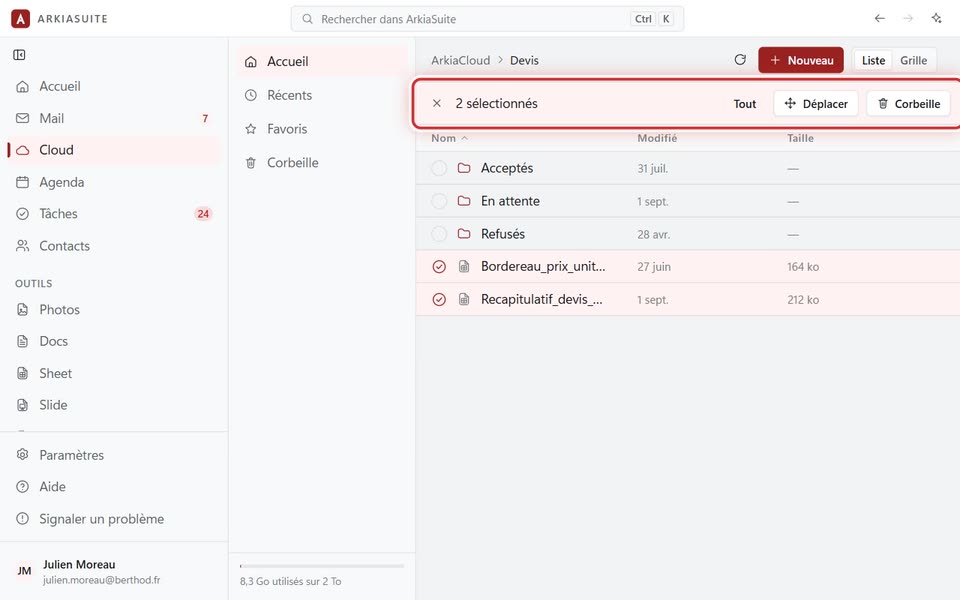
In Cloud, right-click a first file, then Sélectionner plusieurs (Select multiple). (Or hold down Ctrl and click it.)
Click each of the other files: it gets checked.
Tout (All), in the top bar, checks the whole folder.
Choose what to do in the top bar, for example Déplacer (Move) or the trash can.
The cross (Quitter la sélection (Exit selection)) unselects everything.
Good to know
- On a phone: a long press on a file starts the selection.