How do I receive files from someone?
A “drop” link lets someone put files into one of your folders, without seeing what is already in it.
Step by step
In Cloud, create a folder to receive the files (see how).
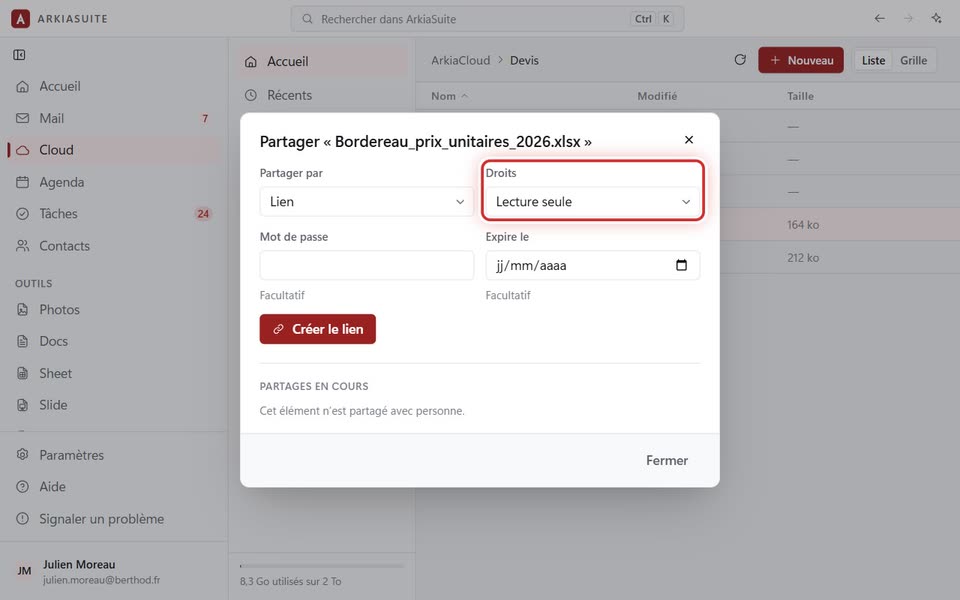
Right-click this folder, then Partager… (Share…).
In Droits (Permissions), choose Dépôt de fichiers (File drop).
Click Créer le lien (Create link), then Copier le lien (Copy link), and send it to the person.
When they open the link, they can drop their files: the files arrive in your folder.