How do I share a folder with a coworker who has ArkiaSuite?
When you share it with an account, the folder appears in your coworker’s Cloud, with no link to send.
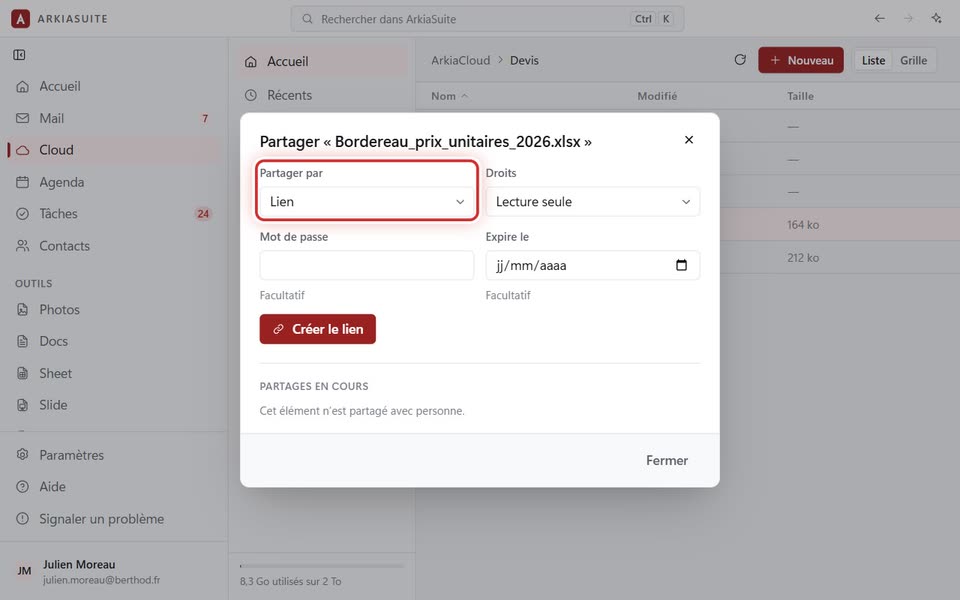
Step by step
In Cloud, right-click the folder, then Partager… (Share…).
In Partager par (Share via), choose Compte ArkiaCloud (ArkiaCloud account).
In Compte (Account), type the exact address of your coworker’s account.
Choose the Droits (Permissions) (Lecture seule (Read-only) or Modification (Editing)), then click Partager (Share).
Good to know
- No list of accounts is offered, to protect everyone: only the exact address works.
- Your coworker finds the folder in their Cloud.