How do I select several messages at once?
To file or delete several messages at once, check them first.
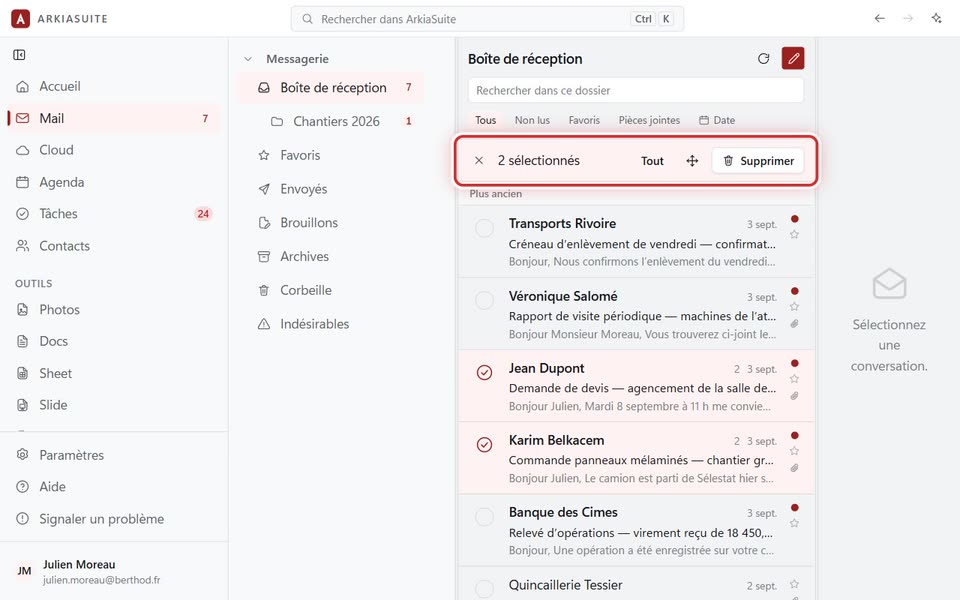
Step by step
In the message list, right-click a first message: boxes appear in front of each line.
Click each other message you want: its box gets checked.
Tout (All), at the top of the list, checks all the messages shown.
Choose what to do in the top bar: Déplacer vers un dossier (Move to a folder), or the trash can to delete them.
The X (Quitter la sélection (Exit selection)) unchecks everything and takes you back to the normal list.
Good to know
- On a phone: a long press on a message starts the selection.